Changes to the review threshold for privileged intent access, an annual reapplication process for continued access, and the ability for apps to keep growing during review.

Today, we're announcing changes to how Discord Apps access Privileged Intent with a new user-based threshold for when access requires review and an annual process to reapply for continued access.
If your app is accessible to fewer than 10,000 users, these changes do not impact your app.
What's Changing
1. The review threshold is now based on user count, not server count
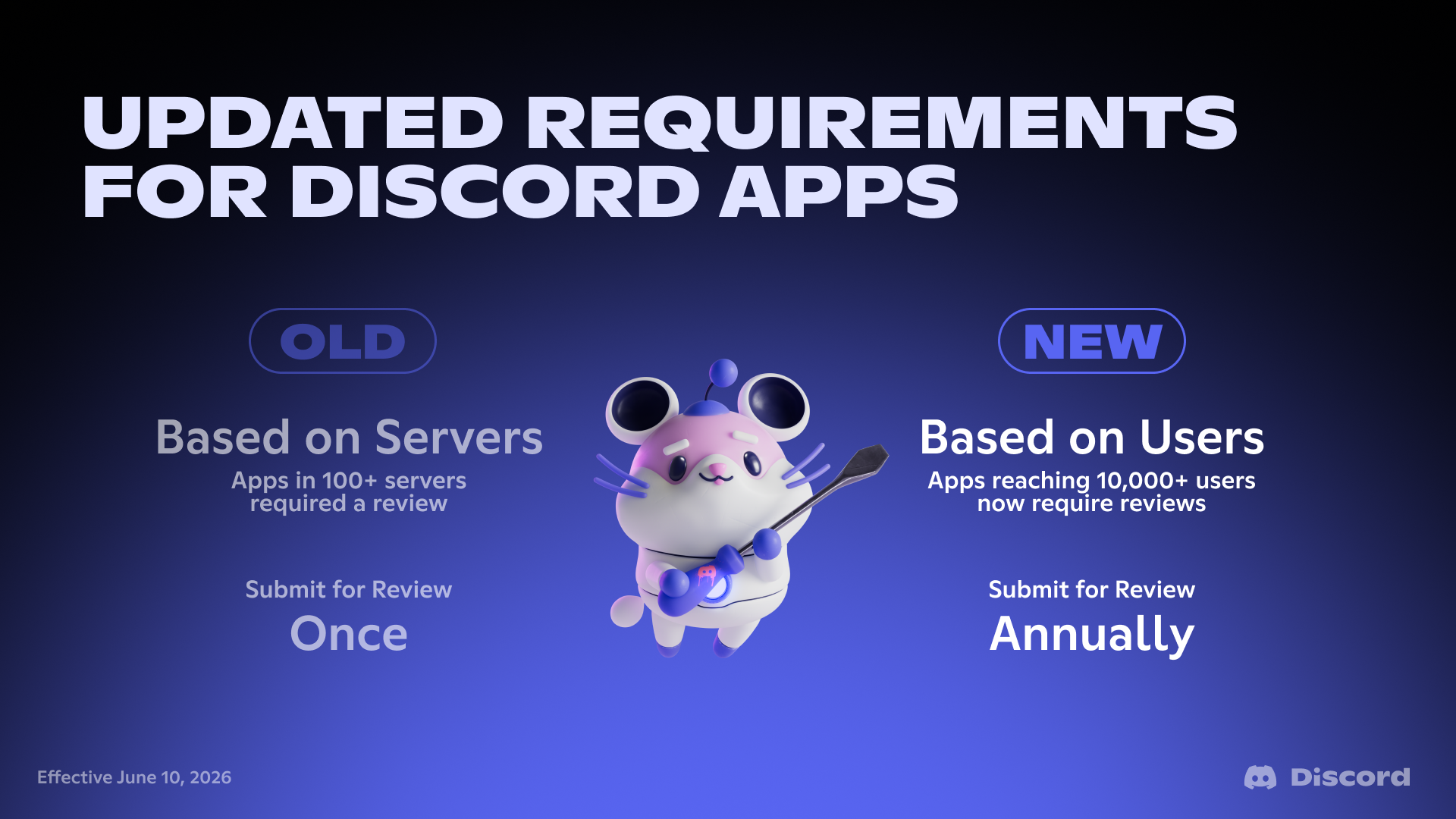
Previously, apps in fewer than 100 servers could access Privileged Intents by toggling them on in the Developer Portal, and apps in 100+ servers needed to apply for access.
Starting today, the threshold is based on the number of users your app can access across all the servers it belongs to. If your app has fewer than 10,000 users, you can continue accessing Privileged Intents by toggling them on in the Developer Portal. Once your app reaches 10,000 users, you'll need to apply for Privileged Intent access.
2. Apps must now reapply annually for continued access
Apps with Privileged Intent access granted from a prior review will need to reapply to confirm their continued access once per year in the Developer Portal.
3. Apps can keep growing during Privileged Intent review
Under the new user-based threshold, apps can continue joining servers and reaching new users while their submission is under review.
4. App Verification and Privileged Intent review are now separate
Previously, App Verification and Privileged Intent review were part of the same review process. With this change, we have separated App Verification and the Privileged Intent review process.
What This Means For Your App
For more information on how this applies to your Discord Apps, please read the Privileged Intents Change announcement article in our developer help center.
Updated Documentation & Resources
- Updated Privileged Intents documentation to reflect the new threshold and review process.
- New Getting Started with Privileged Intents Review guide.
- New You Might Not Need a Privileged Intent guide to help you determine whether you need a privileged intent or whether an alternative approach will work for your use case.